How to Convert Lowercase to Uppercase in Word? Quick Guide
Learn fast ways to switch text between lowercase and uppercase in Microsoft Word using menu tools, keyboard shortcuts, and AutoCorrect settings on Windows and Mac.
Quick Summary
- Use the
Change Casemenu and chooseUPPERCASEfor instant conversion—see our overview of case conversion tools for browser-based alternatives. - Use
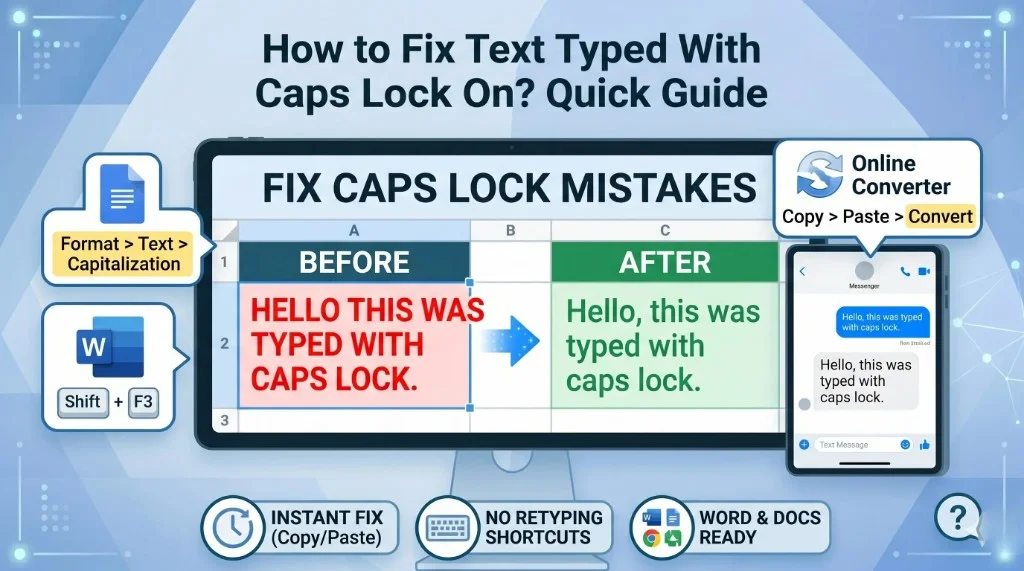
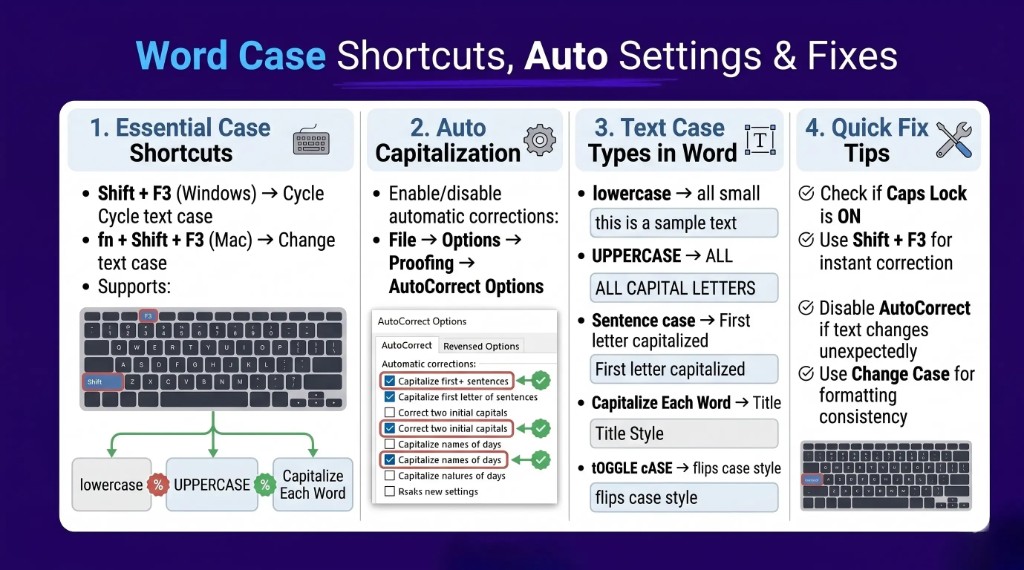
Shift + F3to cycle through lowercase, UPPERCASE, and Capitalize Each Word; our full keyboard shortcut guide covers Mac and Google Docs too. - Use AutoCorrect settings to fix capitalization automatically while typing, or fix caps-lock mistakes with our quick caps lock guide.
- Mac users can use
Format > Change Caseorfn + Shift + F3—for cloud docs, try Google Docs capitalization.
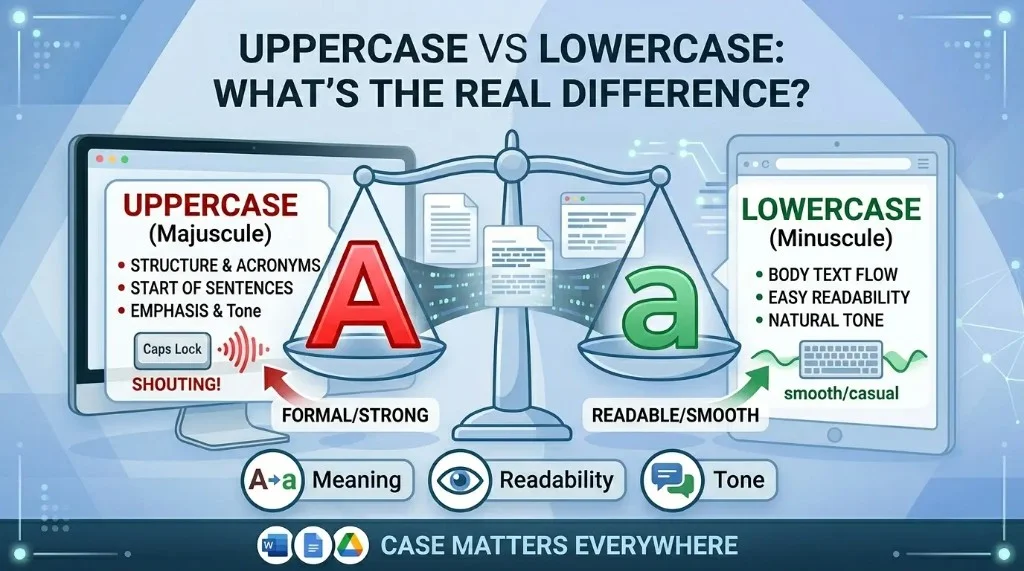
What Does Changing Text Case Mean in Word?
Text case controls how letters appear in a document, such as lowercase, UPPERCASE, Capitalize Each Word, Sentence case, and tOGGLE cASE. If you pasted ALL CAPS from email or the web, our caps lock fix guide and free case converter can clean it up before you reformat in Word.
How to Convert Lowercase to Uppercase in Word?
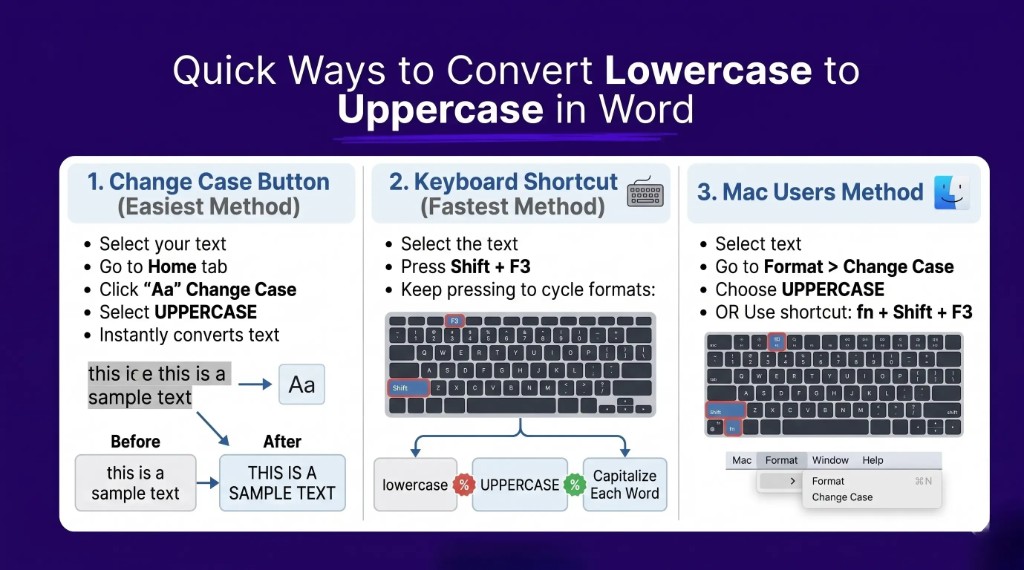
Method 1: Use the Change Case Button
- Open your Word document and select the text.
- Go to the Home tab and click the
AaChange Case button. - Choose
UPPERCASE.
Example
| Before | After |
|---|---|
| this is a sample sentence. | THIS IS A SAMPLE SENTENCE. |
Method 2: Keyboard Shortcut
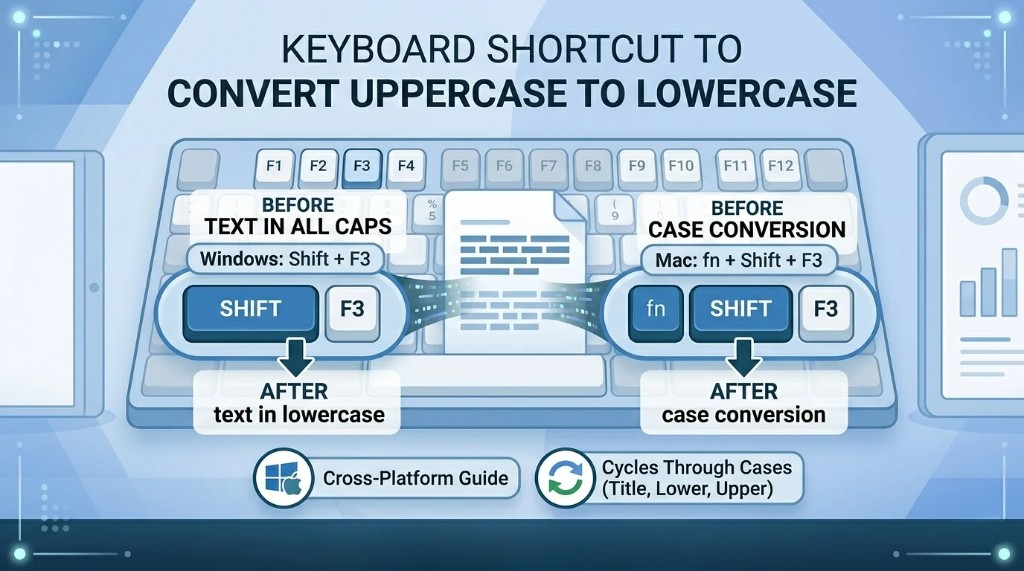
Select text and press Shift + F3 until the case style you need appears. Cloud editors use different menus—see Google Docs capitalization or all case conversion methods.
Need to convert text instantly without opening Excel? Try our free uppercase to lowercase converter.
Open the free converterHow to Change Uppercase to Lowercase Text in Word
Select the uppercase text, click Aa, and choose lowercase. You can also use Shift + F3.
Shortcut to Change Capital Letters to Small Letters
| Platform | Shortcut | Result |
|---|---|---|
| Windows | Shift + F3 | Cycles text case formats |
| Mac | fn + Shift + F3 | Cycles text case formats |
Automatic Case Correction in Word
Go to File > Options > Proofing > AutoCorrect Options and enable options like sentence capitalization and day-name capitalization.
Convert Uppercase to Lowercase in Word on Mac
Use Format > Change Case for manual formatting, or use fn + Shift + F3 for quick conversion.
Different Text Case Options in Microsoft Word
| Option | Example |
|---|---|
| lowercase | this is text |
| UPPERCASE | THIS IS TEXT |
| Capitalize Each Word | This Is Text |
| Sentence case | This is text |
| tOGGLE cASE | tHIS IS TEXT |
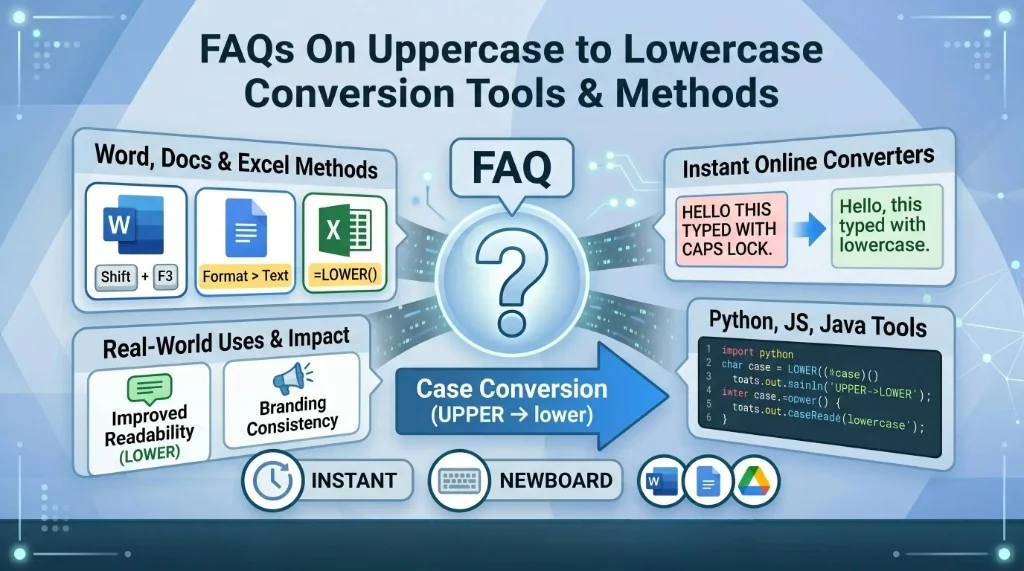
Frequently Asked Questions (FAQs): Case Convert in Word
How do I convert lowercase to uppercase in Word?
Select text, click the Aa menu in Home, and choose UPPERCASE.
What is the shortcut to change case in Word?
Use Shift + F3 on Windows or fn + Shift + F3 on Mac.
Can I convert uppercase text back to lowercase?
Yes. Use the Change Case menu and select lowercase, or cycle with Shift + F3.
Why is Word changing capitalization automatically?
AutoCorrect capitalization settings are enabled. Review them under Proofing settings.
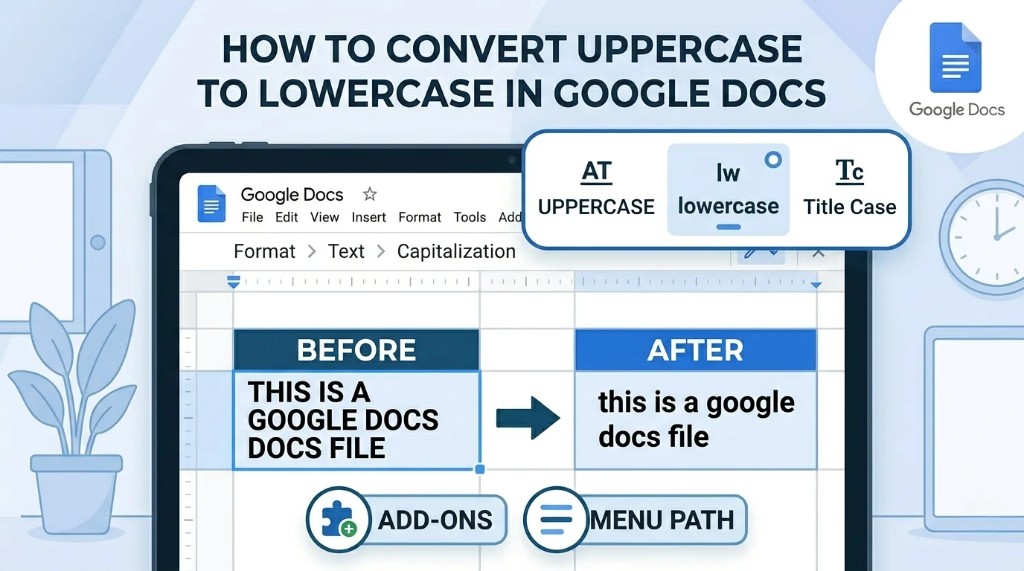
Can I do similar case conversion in Google Docs?
Yes, through Format > Text > Capitalization or via add-ons.
Need to convert text instantly without opening Excel? Try our free uppercase to lowercase converter.
Open the free converterShare this article