How to Check Word Count on iPhone?
Check Word Count on iPhone in Pages, Google Docs, Word, Notes and Safari using simple workarounds and quick steps.
Quick Summary
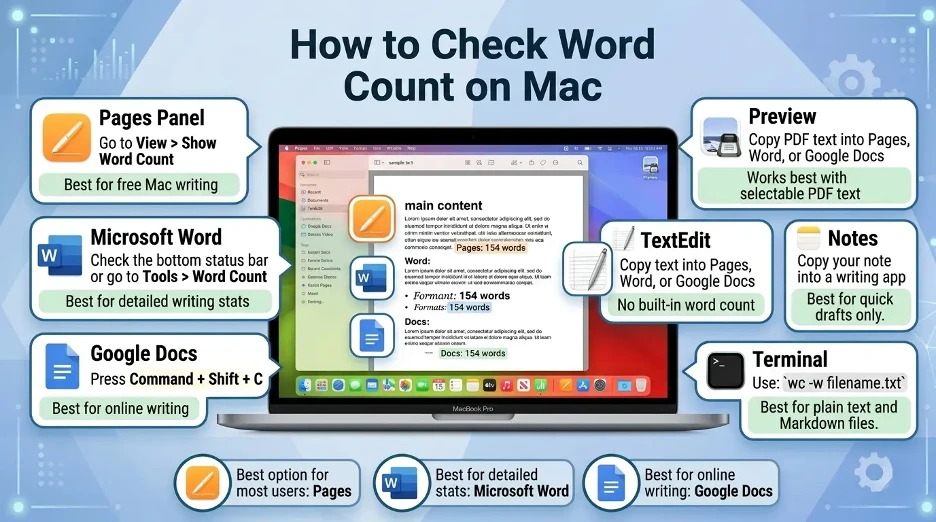
- For the majority of iPhone users, Pages is the simplest to use, as it features a built-in word count tool, and displays the word count at the bottom of the document.
- Another feature of Google Docs that comes in handy when working on shared documents, school assignments, blog drafts or cloud files is word count on iPhone.
- For formal documents, Microsoft Word is the easiest to use on the iPhone and it works great with DOCX files, reports, resumes and professional writing.
- Unfortunately, there is no button to count words in Apple Notes, but the most convenient solution is to copy the note into Pages, Google Docs or Microsoft Word.
- Word counting is not a feature of Safari, but anyone who uses Safari can copy text from a Web page or Web editor and then paste it into a word counting application or trusted online word counter.
How to Check Word Count on iPhone in Apple Pages?
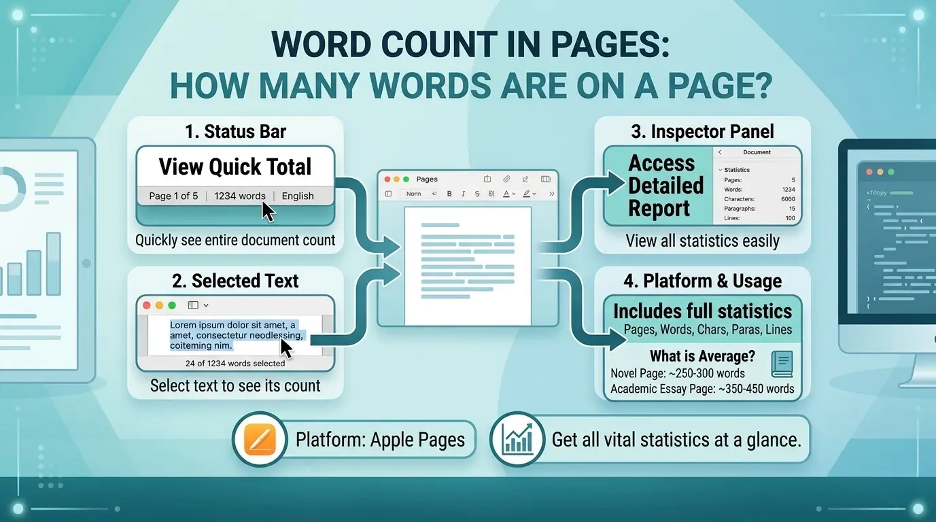
The iPhone has an inbuilt word count feature in Apple Pages. It can display the word, character, paragraph and page count of your document. You can also highlight text in a document to view the count of just the highlighted text.
Steps to check word count in Pages on iPhone
- Open the Pages app on your iPhone.
- Open the document that you wish to analyze.
- Click on More at the top of the screen.
- Tap View Options.
- Turn on Show Word Count.
- The word count will be displayed near the bottom of the screen.
- Click on the word count box to view details like characters, paragraphs and pages.
I tried all these steps in Pages, Google Docs, Microsoft Word, Notes, and in Safari on my iPhone. Menu names may be slightly different depending on your iOS or app version.I like Pages the best as when I turn it on, I can see the word count at the bottom of the screen.
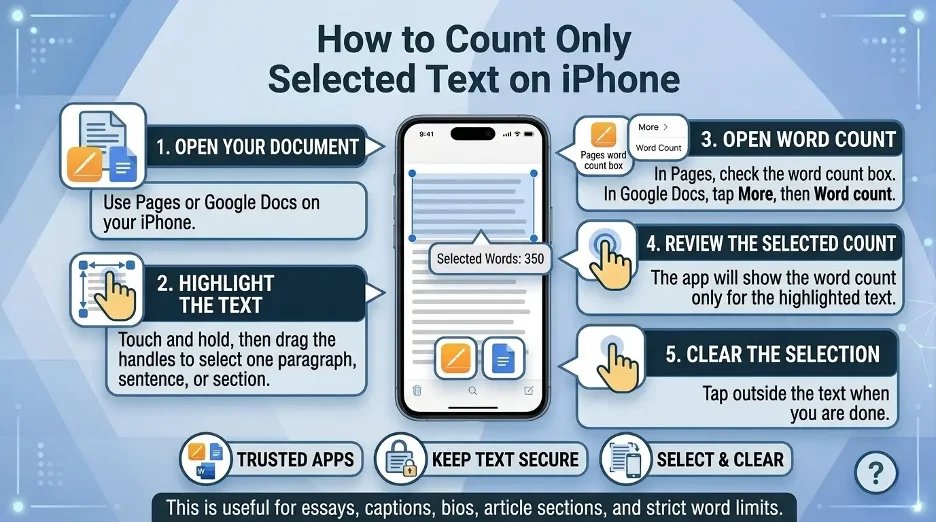
How to check word count for selected text in Pages?
To see the word count for just one paragraph, section or sentence:
- Tap and hold the text.
- Click the selection handles to select the text.
- Check word count box.
- The count is updated to only count the selected text.
For essay writing, caption writing, writing parts of articles, social media posts, and anything with a word limit.If only one paragraph or section is needed, I first select that paragraph or section, and then Pages displays the number for that one section.
How to Check Word Count on iPhone in Google Docs?
Google Docs has a word count feature in its iPhone app, too. It displays the number of words, characters and characters excluding spaces. Normally word count is for the whole document, but if you choose a section first, Google will use that count. Does not contain some features like headers and footers, footnotes etc.
Steps to check word count in Google Docs on iPhone
- Open the Google Docs app.
- Open your document.
- Click on More.
- Tap Word count.
- Examine the amount of words, characters, and characters without spaces.
Google Docs is the word count tool I use when collaborating on documents, as it is very easy to access in the More menu.
How to check selected word count in Google Docs?
- Go to Google Docs and open the document.
- Choose the word or words you wish to count.
- Click on the More button.
- Tap Word count.
- The number of words that have been selected will appear in Google Docs.
Google Docs word count is useful for assignments at school, writing a blog, script, resume, and client writing.
How to Check Word Count on iPhone in Microsoft Word?
Microsoft Word for iPhone has word count support. Word for iPhone supports word count, according to Microsoft.
Steps to check word count in Microsoft Word on iPhone
- Open the Microsoft Word app.
- Open your document.
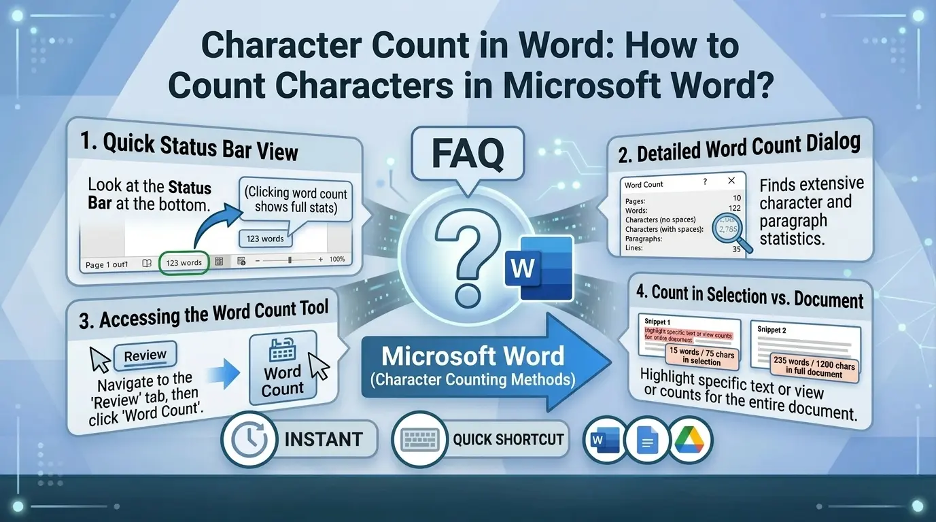
- Click the Review tab or editing menu (depending on screen layout).
- Tap Word Count.
- See the document length in terms of words, characters and other document details.
The menu layout may be different depending on your app version and iPhone screen size, but the word count menu is typically in the 'Review/Document Tools' section.
How to Check Word Count in Apple Notes on iPhone?
Unlike Pages, Google Docs and Microsoft Word, Apple Notes doesn't offer a built-in word count button. The simplest solution is to duplicate the note into another app that has word count functionality.
Method 1: Copy Notes text into Pages
- Open the Notes app.
- Open the note you are counting.
- Tap and hold the text.
- Tap Select All.
- Tap Copy.
- Open Pages.
- Make a new document.
- Paste the text.
- Select Show Word Count on the Pages steps above.
Method 2: Copy Notes text into Google Docs
- Open your note.
- Highlight and highlight the text.
- Open Google Docs.
- Make a new document.
- Paste the text.
- Tap More.
- Tap Word count.
Method 3: Use an online word counter
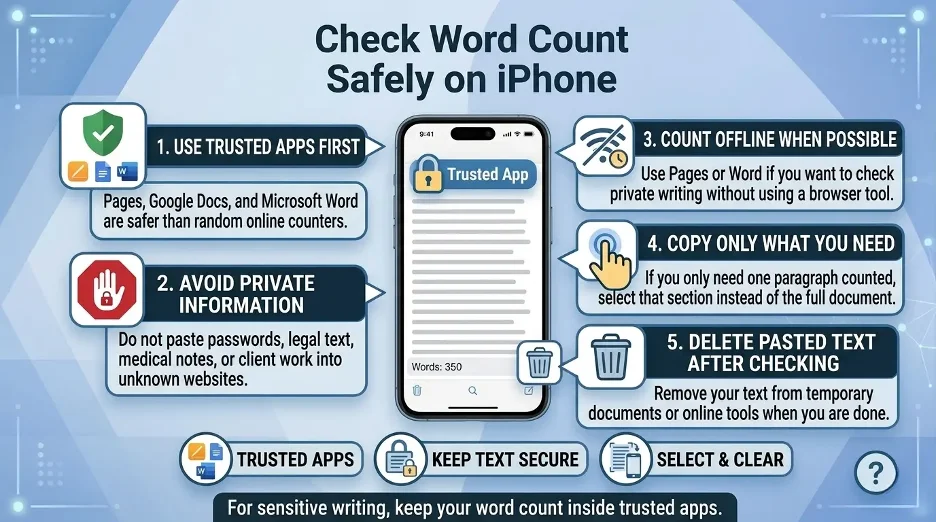
Another option is to copy paste your message into a safe online word counter. This is quick, but do not copy and paste private information, passwords, legal documents, medical information or sensitive business information to untrustworthy sites.
I don't paste private notes, passwords, client work, legal text, medical details into random online word counters.
How to Check Word Count on iPhone in Safari?
The safari browser doesn't include a word count feature for selected text on a webpage or typed text. But you can still use copy/paste to check word count.
Steps to check word count from Safari
- Click on the text on the page or in a Web editor.
- Tap Copy.
- Copy and paste it into Pages, Google Docs, Microsoft Word or an online word counter.
- Apply word count feature in the app.
If you are working in a browser window, such as for blog posts, comments, website content or when filling out a form, this method can be useful.
Best Apps to Check Word Count on iPhone
Here are the most practical options:
| App | Built-in Word Count | Best For |
|---|---|---|
| Apple Pages | Yes | iPhone users who want a free Apple writing app |
| Google Docs | Yes | Cloud documents and collaboration |
| Microsoft Word | Yes | Professional documents and DOCX files |
| Apple Notes | No | Quick notes, but needs a workaround |
| Online word counters | Yes | Fast checks for copied text |
The easiest to use and free iPhone built-in app is Pages, which is ideal for Apple users. Google Docs is typically the preferred option for collaborative writing. Microsoft Word is the best choice for formal documents.
I recommend that the Apple users start with Pages first since it is free, easy, and already created for Apple products.
Quick Fixes If Word Count Is Not Showing
If you don't see the word count feature in your iPhone, here are several fixes:
Update the app
Go to the App Store and see if there is an update for Pages, Google Docs, or Word.
Open the document in editing mode
If the document is view-only, some options might not be available.
Check the More menu
Word count features are usually found in the 3-dot or More button in the iPhone.
Select text first
To get the word count for a given section, highlight the section and then open word count.
Use another app
If a word count is not provided in one app, copy the text into Pages or Google Docs.
Interesting Research Facts
Full citations are in Sources below.
Mobile typing is slower than desktop typing
This study of 37,370 mobile users revealed that mobile typing is slower with an average speed of 36.2 WPM, further highlighting the importance of word count tracking for iPhone writers.
Tablets produce less text than laptops
The median length of text written by the medical students on their tablet is 131.5 words, whereas it is 297.0 words for the medical students on their laptop, which shows the importance of the provision of word-count functionalities on mobile devices.
Source: Tablet vs. Laptop Writing Length in Medical Students — PMC / NCBI
Mobile typing involves frequent corrections
Smartphone typing studies indicate that users often delete and modify text during mobile typing, so live word count might be valuable for gauging actual progress as people write on an iPhone.
Source: Smartphone Typing Behaviour and Text Modification Study — PLOS Digital Health
Digital tools increase writing output
Research reviews indicate that digital technologies can enhance the quantity and quality of writing and that tracking word counts is more relevant to apps such as Notes and Pages.
Source: Digital Technologies and Writing Quantity and Quality — MDPI Education Sciences
Mobile writing happens in short bursts
Field data on mobile keyboards reveals that users tend to type each app, in real usage, and often take advantage of apps' autocorrect features, meaning built-in word count will keep users from going over their limits.
Source: Mobile Keyboard Field Research and Usage Patterns — LMU Munich
Frequently Asked Questions
1.Does the iPhone have a word counter?
No, there is no one word count app for the iPhone. You must use a program such as Pages, Google Docs, or Microsoft Word.
2.Does Apple Notes have word count?
No, there is no word count button for Apple Notes. I typically make a copy of the note in Pages or Google docs to get the word count.
3.Are there any better methods to word count in Notes?
Others have been using Notes word count on iPhone Shortcuts which can be tricky to configure. Most users will find it simpler to copy the text into Pages.
4.Does Google Docs have word count on the iPhone?
Yes. Open the document, click on the More button and then click Word count. Words, characters and characters excluding spaces are displayed in Google Docs.
5.Are header and footnotes included in Google Docs?
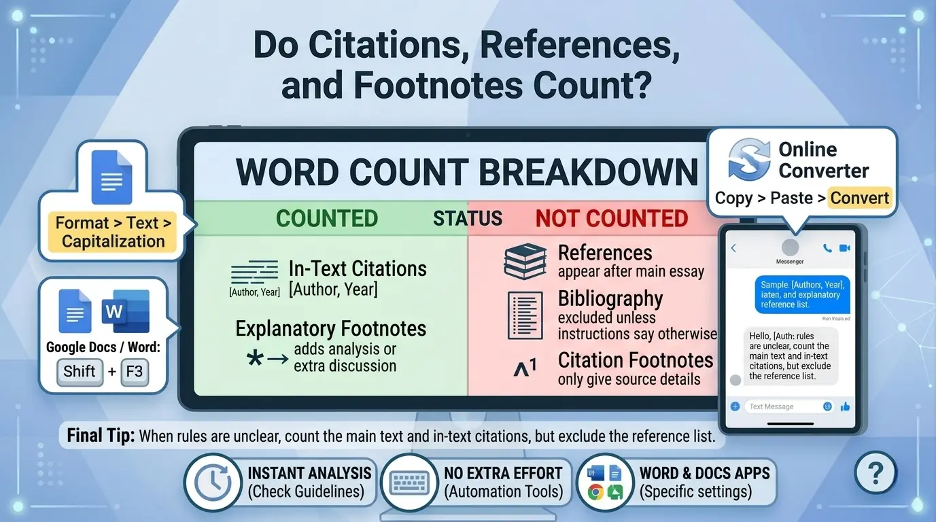
One question is, “Word count” does not apply to the document, unless you first select a specific section, says Google.
6.What is the reason that I am unable to locate word count in Google doc?
If the file is not a regular Google Docs file, word count won't show up. Google indicates that word count isn't available in Google Sheets, Google Slides, or Google Docs opened in Microsoft Office Compatibility Mode.
7.Which iPhone word count app is the easiest to use?
I'm recommending Pages for most iPhone users since it is free, easy, and allows them to see the word count at the bottom of the document.
8.Does Safari support displaying word count on the iPhone?
Safari doesn't have a built-in word count capability. Click the text and paste into Pages, Google Docs, Word, or a trusty word counter.
9.Do I need to use an online word counter?
Yes, but only for non-private text. I never paste a password, private note, client work, a law or medical information into any random online tool.
How we reviewed this article:
Share this article